
Claude AI vs Cowork vs Claude Code: Differences and How to Choose
Claude AI vs Cowork vs Claude Code are all available on a single paid subscription. The difference between the three tools is not the price but how much of the work each one does for you, and this article covers what each one is and when to use it.
1️⃣ What Claude AI vs Cowork vs Claude Code Are
Anthropic’s tools all start with the name [Claude], but each is used in a different way. Chat is a conversation screen, Cowork is an environment you hand work to, and Claude Code is a tool for development work. What separates Claude AI vs Cowork vs Claude Code is not performance but [how much each one does for you].
Chat gives an answer and stops, while Cowork and Claude Code work on files directly and leave a finished result. Cowork and Claude Code use the same agentic architecture, and the difference is whether you use a terminal.
🔲 Claude (Chat): You get answers through conversation.
Chat is the most familiar form among Claude AI vs Cowork vs Claude Code. You enter a question, an answer comes back, and you read it and ask again.
The result stays inside the conversation window. Moving what you received into your own files is up to you.
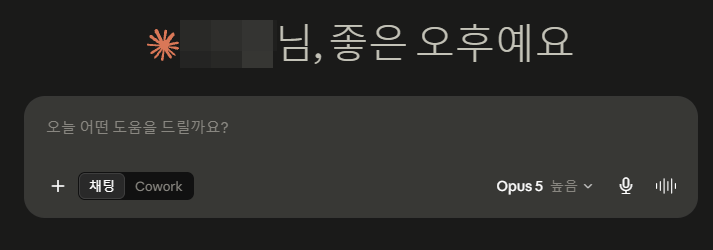
🔲 Cowork: You give an instruction and it does the work and delivers the result.
Tell Cowork the goal and it carries out a multi-step task on its own, then returns a finished deliverable such as an Excel sheet with formulas, a presentation, or a formatted document. You give the instruction, step away, and come back to the result.
The work runs in an isolated environment on Anthropic’s servers, and sessions and files are saved to your account so they carry over across desktop, web, and mobile. Chat and Cowork start from the same input box, so you can hand off a task right where you were chatting.
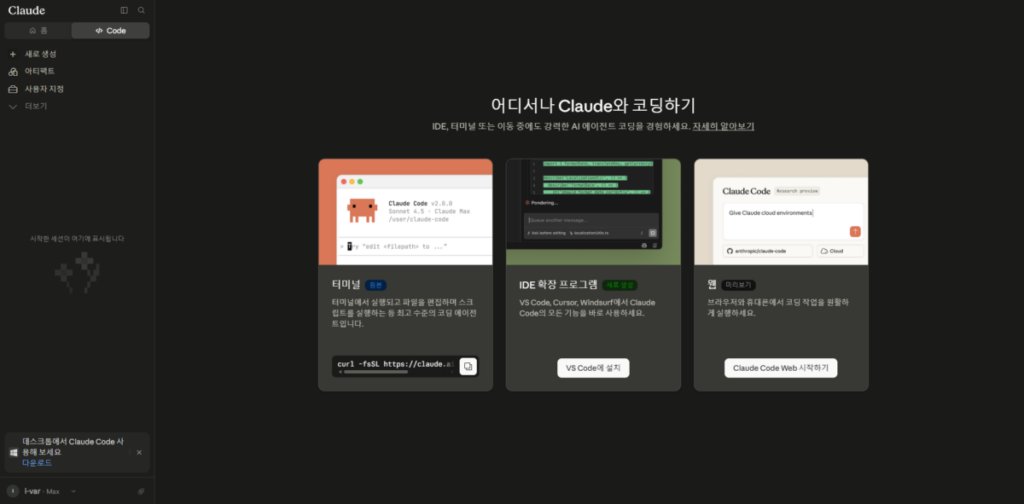
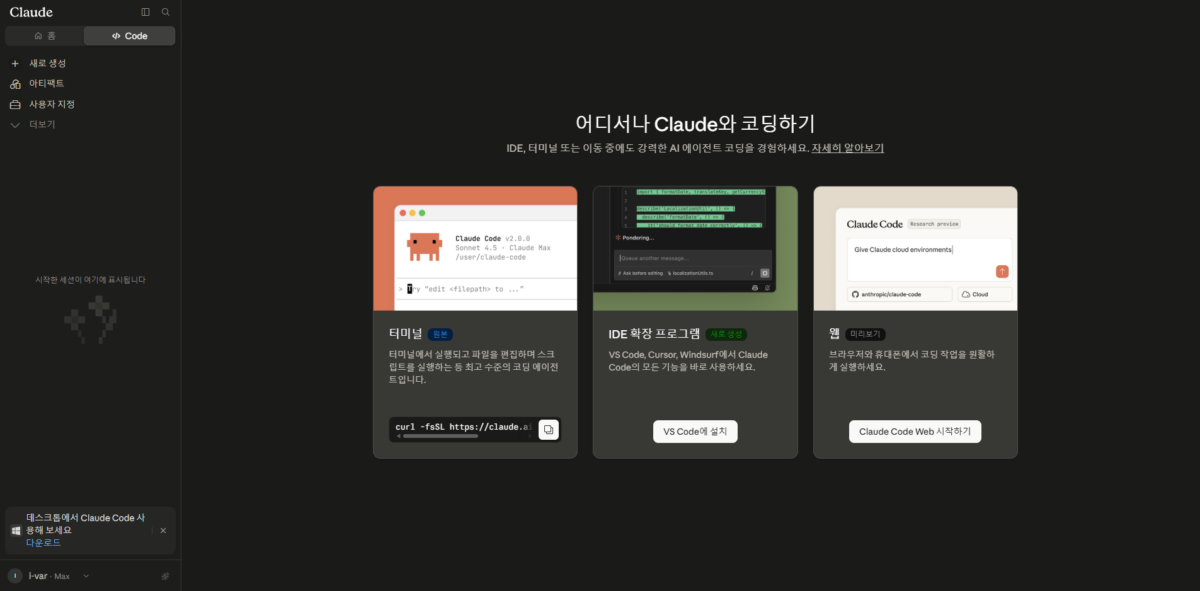
🔲 Claude Code: A developer tool used in the terminal.
Claude Code is a tool developers use in the terminal or an editor. It reads the codebase, edits files, and runs commands. Cowork is this architecture with the terminal taken away, so use Claude Code when you need to work on a repository directly and Cowork when you need to work on documents and material.
2️⃣ Claude AI vs Cowork vs Claude Code: When to Use Each
Which of Claude AI vs Cowork vs Claude Code to use depends on whether the task ends in conversation or has to leave a deliverable. Using Cowork for a task that only needs an answer costs more usage at every step, and doing a file-producing task in Chat leaves you copying and pasting the whole way.
🔲 Questions and drafts: Chat
For checking a concept, polishing a sentence, or getting a short code snippet, the kind of work bloggers and writers do, Chat is the fastest. Work where you find the direction by going back and forth, and work where you have not yet decided what to make, also belongs in Chat.
🔲 Documents and organizing material: Cowork
Use Cowork when you need to gather and organize material, touch up several files, or produce a formatted document. HTML and other work that comes out as separate files also belongs here, and where Chat would explain the method and leave the doing to you, Cowork returns it finished.
🔲 Code work: Claude Code
Work that reads, edits, and runs a repository is done with Claude Code. It fits flows where you connect to a server, need to go through the whole codebase, need to run a change right away, or need to run commands one after another. If you are not used to the terminal, you can start with Cowork, which uses the same architecture.
3️⃣ Claude AI vs Cowork vs Claude Code FAQ
📌 Are Cowork and Claude Code the same feature?
They use the same agentic architecture, but the environment is different. Claude Code works directly on a codebase in the terminal, while Cowork takes on tasks from the chat screen with no terminal.
📌 Can I use Cowork without knowing how to code?
Yes. Cowork needs no terminal, so you do not have to memorize commands. Describe the task in words and it creates and organizes files and returns them as a deliverable. Because it works on files directly, set an instruction that makes it ask for confirmation before overwriting or deleting.
📌 Do I have to pay separately for Claude Code?
No. With a Pro or Max subscription you use Claude, Cowork, and Claude Code under one subscription. Chat and Claude Code share the same usage limit, though, so whichever you use draws down the same allowance. Once you go over the limit, you wait for the reset, move up to a higher plan, or continue on API credits, and API credits are billed at a rate separate from the subscription.
📌 Can I be billed API charges while on a subscription?
Yes. If the ANTHROPIC_API_KEY environment variable is set on your system, Claude Code authenticates with that key instead of your subscription. You are then billed pay-as-you-go instead of drawing on the subscription limit, so if a charge looks wrong, check the environment variable first.

ℹ️ Affiliate Disclosure
This site's content contains affiliate links. When a visitor buys a product or service through one of them, the site receives a commission from the seller. The amount the buyer pays(it goes down during event discounts ↓)does not go up. Posted prices, discounts, and stock reflect the time of writing and may differ, so confirm with the seller before buying. Products are chosen and reviewed by our own standards, and commissions do not affect the order or content of reviews.