
WordPress MCP Server: Connecting Claude Code with the Adapter Plugin
WordPress MCP Server is the connection point that opens a WordPress site's functions in MCP (Model Context Protocol) format so AI such as Claude can call them as tools. What a site can do is registered in the Abilities API, included in core since WordPress 6.9, and the Adapter plugin turns that list into MCP tools for the AI.
This guide covers installing Adapter plugin 0.7.0 and then connecting Claude Code.
1️⃣ Creating an Application Password
The MCP Adapter default server only handles requests authenticated as a WordPress user, so Claude Code is registered with an application password instead of the login password. Enter a name under [Application Passwords] in [Users] > [Profile] in the admin screen and click [Add Application Password] to create one. The value is shown only once when it is created, so copy it right away.
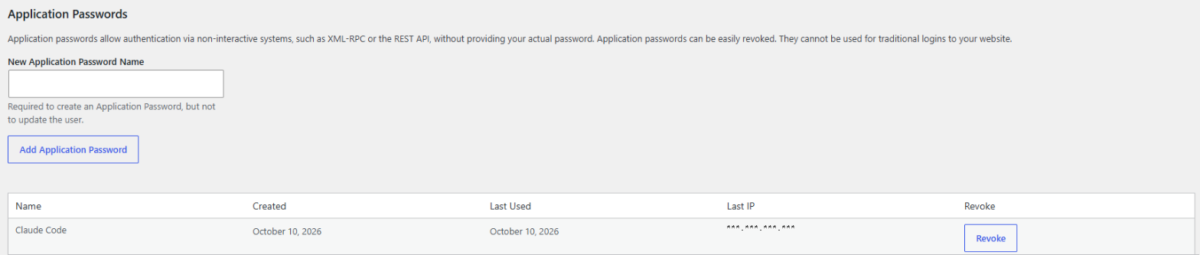
The test used an administrator account, but on a live site it is better to create a dedicated user with only the permissions needed and generate the password from that account, because every task Claude Code runs is handled within that user's permissions.
2️⃣ Registering the WordPress MCP Server in Claude Code
The official WordPress documentation points to the Node.js proxy [@automattic/mcp-wordpress-remote] for HTTP connections, but Claude Code supports HTTP MCP directly, so it is registered without a proxy. Node.js was not installed on the Linux server used for testing either.
The authentication value is the string [username:application password] converted to Base64, created with the command below in a terminal.
printf '%s' 'username:application-password' | base64Put the converted value after [Basic] when registering. The address is the default server address: the site domain followed by [/wp-json/mcp/mcp-adapter-default-server].
claude mcp add --transport http --scope user wordpress https://example.com/wp-json/mcp/mcp-adapter-default-server --header "Authorization: Basic AUTH_VALUE"In the command, [wordpress] is the registration name, and the converted string goes in place of [AUTH_VALUE]. Registering with [--scope user] makes the connection available in sessions opened from any folder.
3️⃣ Checking the Connection and Executable Abilities
Run [claude mcp list], and if [✔ Connected] appears at the end of the registration name's line, the connection is working. The WordPress tools appear from newly opened sessions onward.
claude mcp list
wordpress: https://example.com/wp-json/mcp/mcp-adapter-default-server (HTTP) - ✔ Connected
It is easy to assume that site information lookups will work right away once connected, but the default server only runs Abilities marked [mcp.public]. The Abilities found on the test site were the 12 published by WP Rocket, including clearing the cache, checking cache status and looking up page performance scores. When WP Rocket cache status was requested in a new session, [wp-rocket/get-cache-health] ran and returned 4 preloads completed and 0 pending.
The WordPress core Abilities for site information, user information and environment information did not run, failing with the error [is not exposed via MCP (mcp.public!=true)]. Core Abilities only open once [mcp.public] is turned on with the [wp_register_ability_args] filter, and how to do this is explained on the official WordPress developer blog.
🔢 FAQ & Recommended Content

 MCP
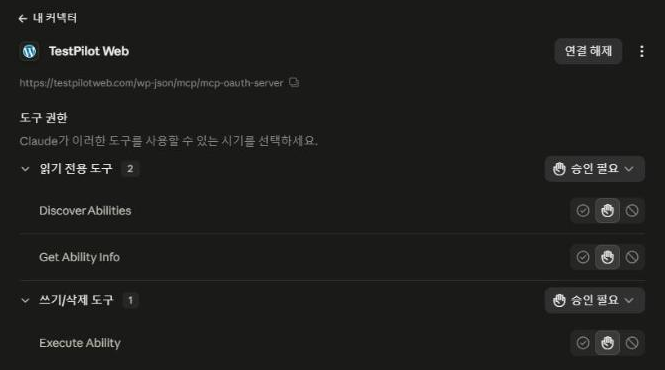
WP Rocket MCP Server
How to connect AI tools so they clear the cache and change settings instead of the admin screen.
MCP
WP Rocket MCP Server
How to connect AI tools so they clear the cache and change settings instead of the admin screen.
 MCP
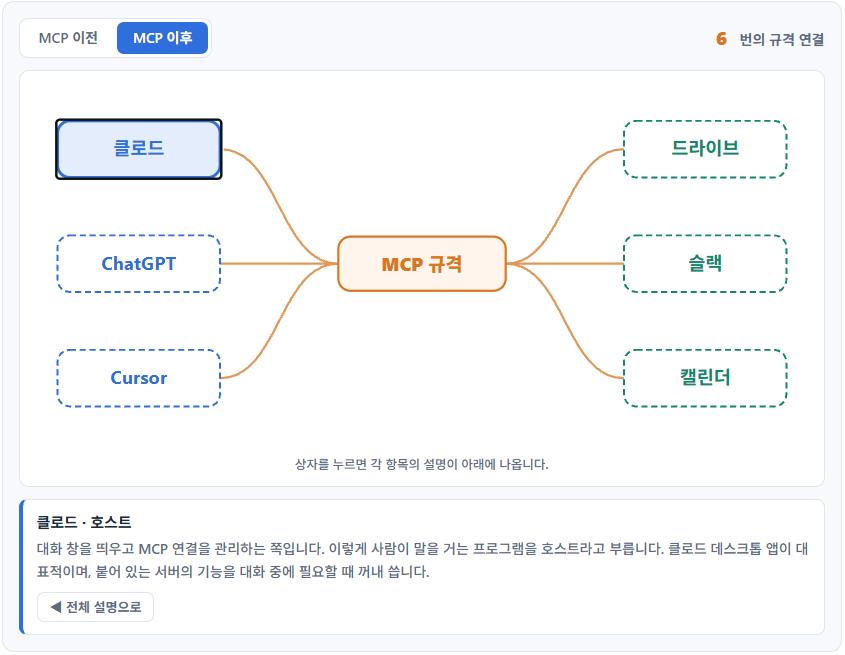
Claude MCP: Basic Concepts and Setup
Explains what MCP is and the basic structure for connecting it to Claude.
MCP
Claude MCP: Basic Concepts and Setup
Explains what MCP is and the basic structure for connecting it to Claude.
 Linux
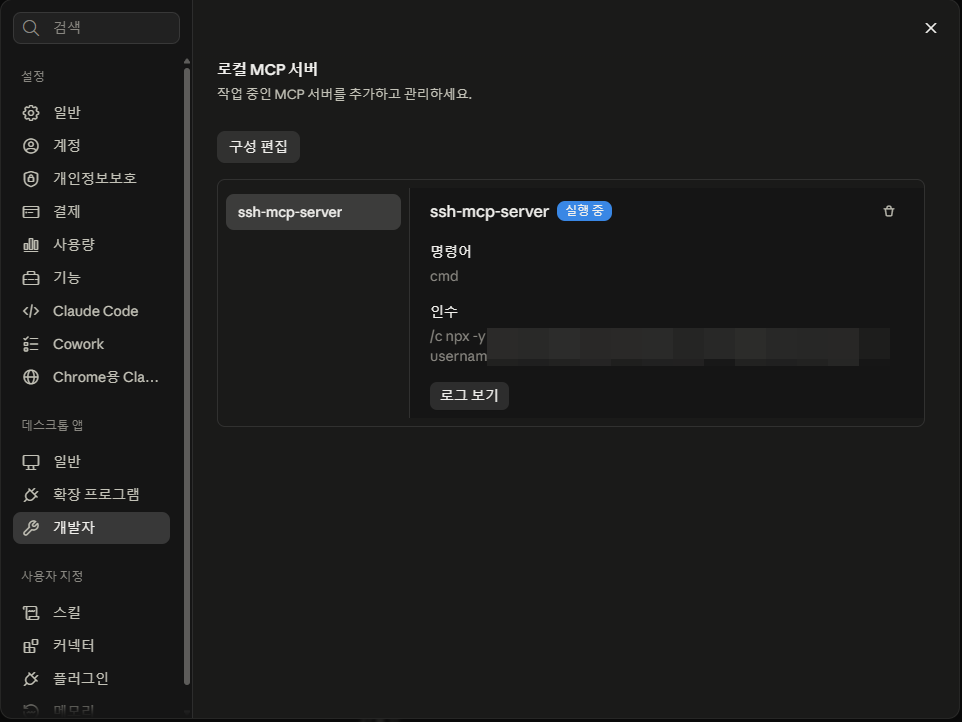
Connecting a Linux Server to Claude MCP
How to set up a Linux server connection to Claude over SSH.
Linux
Connecting a Linux Server to Claude MCP
How to set up a Linux server connection to Claude over SSH.
ℹ️ Affiliate Disclosure
This site's content contains affiliate links. When a visitor buys a product or service through one of them, the site receives a commission from the seller. The amount the buyer pays(it goes down during event discounts ↓)does not go up. Posted prices, discounts, and stock reflect the time of writing and may differ, so confirm with the seller before buying. Products are chosen and reviewed by our own standards, and commissions do not affect the order or content of reviews.