
Cloudways MCP: Access Token Permissions, Connecting Claude and Cursor, and Managing Servers with AI
I connected Cloudways MCP to Claude Code and finished the setup for querying Cloudways servers through conversation with a read-only Access Token. Because of the name, it is easy to assume something is installed on the Cloudways server, but what you actually register is the settings file on the AI program side.
With the same token I queried the server list, service status and CPU usage, and also confirmed that clearing the cache is rejected with a permission error.
1️⃣ How Cloudways MCP Works
Cloudways MCP is a connection server that lets AI programs such as Claude, Cursor and ChatGPT call the Cloudways API on your behalf, and it is provided to all Cloudways customers at no extra cost.
The setup is split across three places. The AI program (MCP client) receives the request and chooses the tool to use, and the remote MCP server run by Cloudways (mcp.cloudways.com) turns that request into a Cloudways API call and runs it. Nothing is installed on the Cloudways server being managed.
Registration is done on the computer where Claude Code is installed, and it also works on a Windows PC. This time it was done not on the Cloudways server but on a separate Linux server where Claude Code is installed and used.
There are more than 250 tools, but the AI program first sees 66. The rest are found and run when requested, so there is nothing extra to configure.
2️⃣ Issuing an Access Token and Its Scope
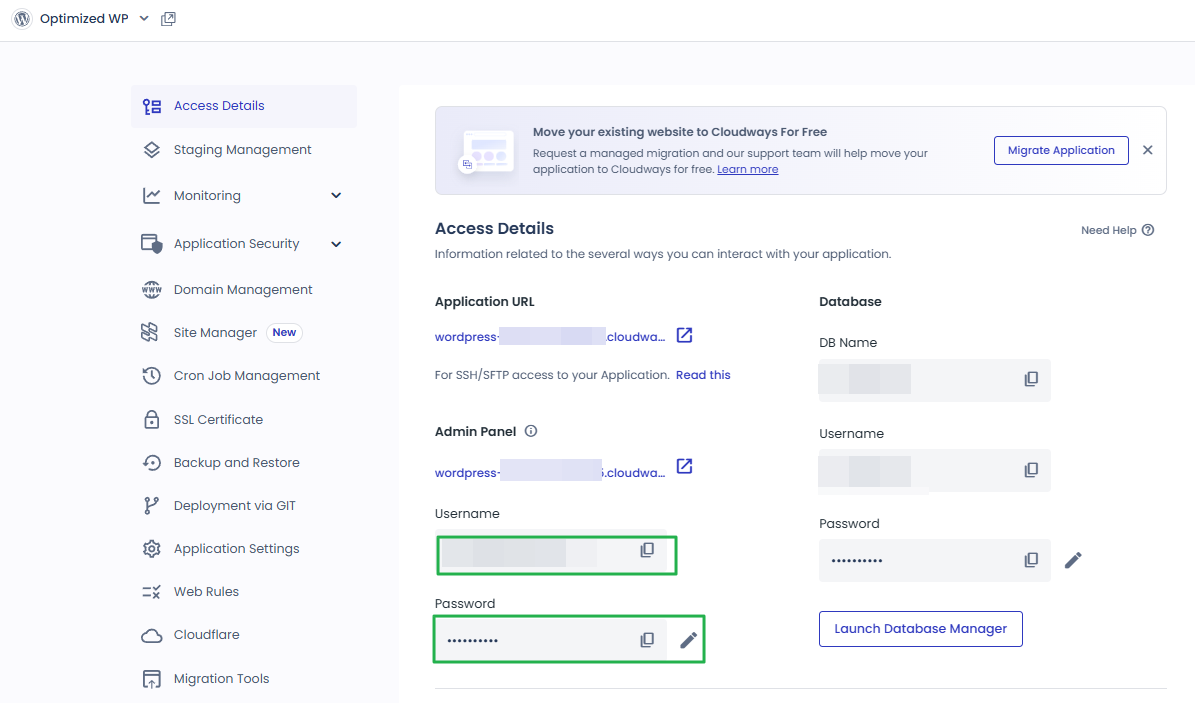
Even with the MCP address registered, Cloudways does not accept requests without an Access Token. Tokens are created from the profile menu at the top right of Cloudways, under [API Integration].

Click [Create Access Token] and a window opens where you set the name, expiry period and scope; continue from there.
There are three scopes, and the default is [Limited Access(Beta)]. [Read-Only Access] only queries server status, application settings and usage and cannot create, change or delete anything, while [Full Access] uses every API within the account's permissions. [Limited Access] allows only the functions you select.

Start with [Read-Only Access] for the first connection. [Read-Only Access] carries no risk of deleting something by mistake, but to have the AI run something such as clearing the cache or a backup, you have to open just that function with [Limited Access].
The expiry period can be set from 1 day to no expiry, and 1 month was used for testing.

The token value is shown only once when it is created; once you close the window you cannot see it again and must revoke it (Revoke) and create a new one, so copy the token value while you are still on the page.

The old API Key method ends in mid-October 2026, so any MCP connected with an API Key must also be switched to an Access Token.
3️⃣ Connecting Claude, Cursor and VS Code
Even after creating a token, you cannot use it in a conversation until it is registered in the AI program. Claude Code supports remote HTTP MCP directly and registers it with a single command. This time it was run in the terminal of a separate Linux server where Claude Code is installed and used (not the Cloudways server).
claude mcp add --transport http --header "X-Access-Token: YOUR_TOKEN" --header "X-Mcp-Host: claude-code" -s user cloudways https://mcp.cloudways.com/mcp/In the command, [cloudways] is the registration name; put the issued Access Token in [X-Access-Token] and the name of the AI program you use (claude-code) in [X-Mcp-Host]. Enter only the value starting with [cw_]; if you include the angle brackets (< >) from the instructions, it is not recognized as a token.
Registered with [-s user], the Cloudways tools appear whichever folder you run claude from, while [-s local] shows them only when run from the folder where the command was executed. At first I registered it as local in the working folder, but the tools did not appear when run from another folder, so I changed it to user.
Even registered as user, Claude Code loads only the tool names first and loads the descriptions when they are used, so there is no big difference in token usage compared with local.
claude mcp list
cloudways: https://mcp.cloudways.com/mcp/ (HTTP) - ✔ Connected
Run [claude mcp list], and if [Connected] appears at the end of the [cloudways] line, the connection is working. You cannot use it in the current conversation right after registering. MCP tools are loaded when a session starts, so the Cloudways tools appear from newly opened sessions.
The registration is saved in [.claude.json] in the home folder, the Claude Code settings file; for the Linux root account it is [/root/.claude.json]. user is recorded in [mcpServers] at the top of this file, and local under the folder path in [projects]. Claude Desktop on Windows takes the same address and token in [%APPDATA%\Claude\claude_desktop_config.json].
Other AI programs such as Cursor and VS Code also take the same address and token in their settings files; for each program's format, follow the guidance in the Cloudways Help Center .
4️⃣ Tasks You Can Run with Prompts
Connected with the Read-Only token, I requested the server list, server details, service status, CPU usage, application list and SSL certificate status in turn, and every query returned a result. The response times below are the time the Cloudways MCP server took to return the result and do not include the time the AI spends composing its answer.
| Request | Tool executed | Response time | Response |
|---|---|---|---|
| Show me my server list | server_list | 0.72 s | 1 server, running, Vultr Seoul region, 1GB, MariaDB 10.11 |
| Tell me the server details | server_get | 0.68 s | Debian 12, 25GB disk, 1 installed application (WordPress) |
| Check the service status | service_status | 5.10 s | 8 running (Nginx, Apache, MySQL, PHP 8.2-FPM, Redis, Varnish, Memcached, Imunify360), 1 stopped (New Relic) |
| CPU usage for the last 24 hours | monitoring_server_graph | 1.75 s | 288 values at 5-minute intervals, average usage about 13%, peak about 30% |
| Show me the application list | app_list | 0.67 s | 1 WordPress, connected domain cw.testpilotweb.com |
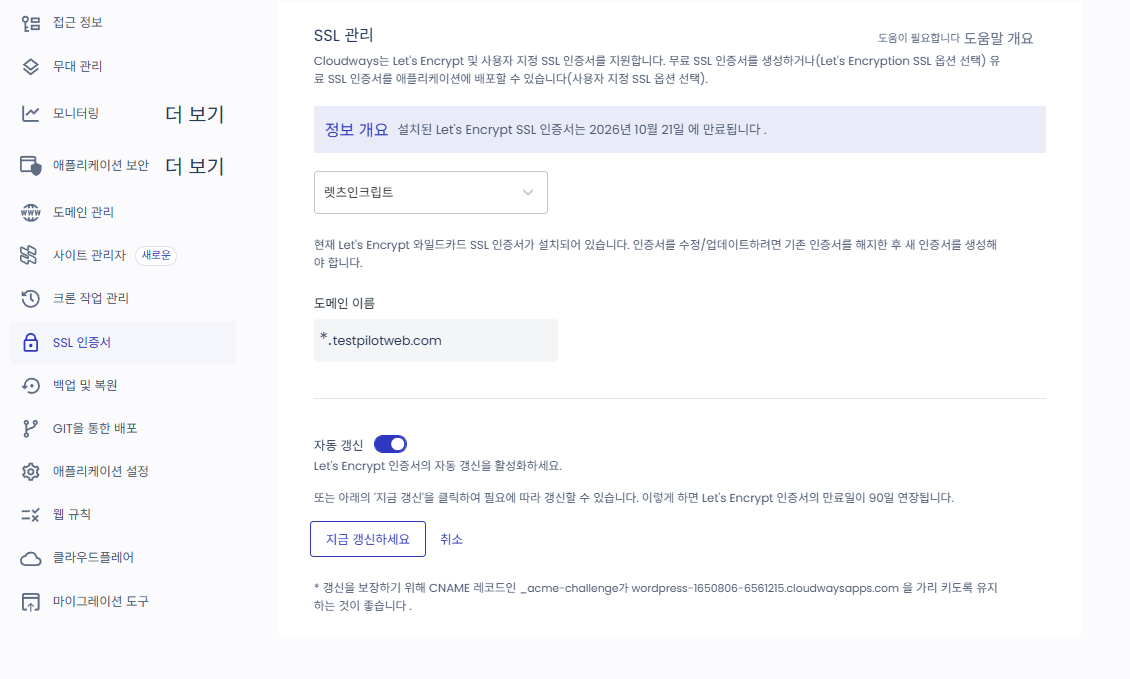
| Check the SSL certificate status | app_get | 3.04 s | Let's Encrypt installed and verified, auto-renewal on |
| Clear the cache | app_purge_cache | 0.42 s | Rejected — 403 insufficient_scope |
CPU usage is returned as the idle CPU (Idle CPU) ratio, so an average of 86.8% corresponds to about 13% usage. There is no dedicated tool for querying SSL status, so it was checked through the Let’s Encrypt item in the application details ([app_get]).
It may seem that anything you ask the AI will run, but the token's permissions decide what can run. Asking it to clear the cache did run the [app_purge_cache] tool, but Cloudways rejected it with the error [Cloudways API error (403): This token does not have access to this endpoint — insufficient_scope].
You can check which tools are write operations in the list returned by the [get_write_tools] tool.
5️⃣ Connection Errors and Refreshing the Tool List
If it does not connect, first check in [claude mcp list] whether the [cloudways] line shows [Connected]. If the address does not match [https://mcp.cloudways.com/mcp/] down to the trailing slash, it fails to connect without any error message, and if [401 Unauthorized] appears, the token was entered incorrectly or has been revoked or has expired.
To change the token, delete the registration with [claude mcp remove cloudways -s user] and register again with the new token; if the [claude] command does not run in the terminal, run the Claude Code executable by its full path.
It is easy to think that closing and reopening the window refreshes the tool list, but programs such as Claude Desktop and Cursor keep the tool list from the first connection and keep running in the tray even after the window is closed. If new tools do not appear after Cloudways adds them, disable and re-enable the cloudways connection in the settings, or fully quit the program (Cmd+Q on macOS, Quit from the tray icon on Windows) and start it again.
🔢 FAQ & Recommended Content










ℹ️ Affiliate Disclosure
This site's content contains affiliate links. When a visitor buys a product or service through one of them, the site receives a commission from the seller. The amount the buyer pays(it goes down during event discounts ↓)does not go up. Posted prices, discounts, and stock reflect the time of writing and may differ, so confirm with the seller before buying. Products are chosen and reviewed by our own standards, and commissions do not affect the order or content of reviews.