
Small Business Web Hosting Costs: Shared, Cloud and Managed Hosting for a WordPress Website, and What to Manage


Web hosting cost is the fee for renting a server to put your website on, and for a small business's WordPress website it is set by choosing one of three approaches: shared hosting, managed cloud or managed WordPress. Using one shop website as the benchmark, I checked the official prices of the three approaches on the same day and measured the managed cloud on a test server: the monthly cost ranged from $2.99 to $35.
I haven't run the other providers myself, so what I say about them is based on the official pricing pages and documentation I opened on October 18, and the measured numbers come from the managed-cloud test server.
1️⃣ What a small business website needs: site type and who will manage it
With a small website it's easy to think picking the smallest plan is enough. A shop website's resource use stays under the plan limits in all three approaches, so cost and effort depend not on resources but on the type of site and who will manage it. How the three approaches split up a server is covered in the WordPress hosting evaluation criteria article; this post only covers the conditions a small business should look at when choosing.
There are three conditions to decide first. The first is the site type: the hosting you need differs depending on whether it's a shop website showing your introduction, location and phone number, a site where visitors enter bookings, or a small online store with payments. The second is whether someone will handle plugin updates and backup checks every month, and the third is whether you need mailboxes in the you@domain format.
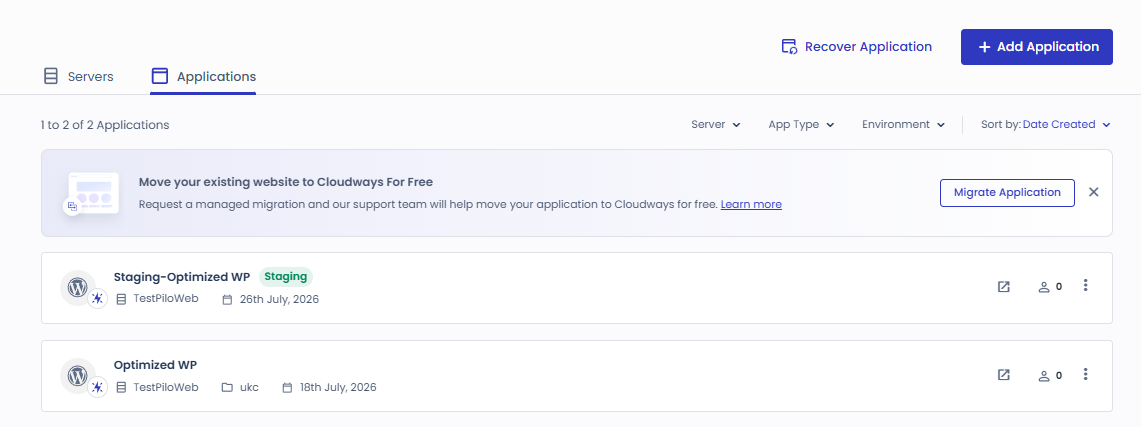
Right after installing one WordPress site on the managed-cloud test server, the application size was 125MB and memory use was 479MB of 955MB. Compared with the 20GB of storage in shared hosting's lowest plan, a shop website's size is not a deciding factor.
2️⃣ Calculating web hosting cost: contract price, renewal price and mailboxes
The monthly price on the pricing table is not the website's actual hosting cost. Shared hosting rises to the renewal price when the contract ends, and managed cloud and managed WordPress prices don't include tax. The jump to the renewal price after a 48-month contract is like the phone bill the month after your contract discount ends.
Hostinger's shared-hosting Premium plan is $2.99 a month on a 48-month term, per the official pricing page on October 18. You pay $143.52 for the 48 months up front, and it renews at $10.99 a month after the term. It includes 3 websites, 20GB of storage, a free domain for one year and 2 mailboxes per website (free for the first year).
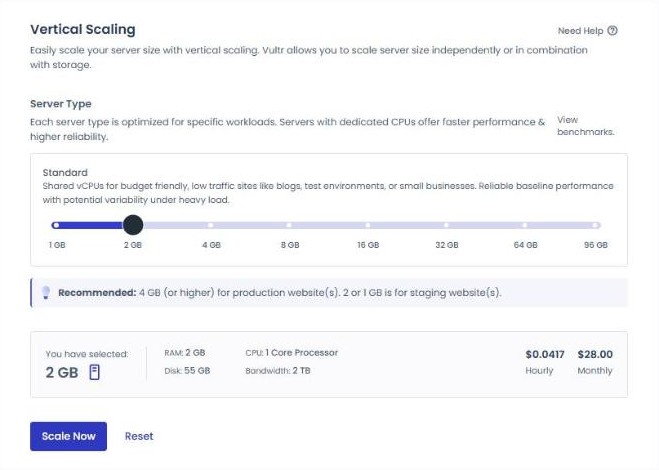
Cloudways' managed-cloud Vultr 1GB server is $14 a month, billed at $0.0208 per hour. There is no mail server, so mailboxes come through the Rackspace Email add-on at $1.5 per mailbox per month.
Kinsta's managed-WordPress Single 20GB plan is $35 a month; choosing annual billing at $350 works out to about $30 a month, two months off, and tax is extra. It includes 1 WordPress install, 10GB of storage and 20GB of monthly bandwidth, and mailboxes aren't listed on the pricing page.
| method | Provider · plan | Monthly price (official page) | Contract · renewal | Mailboxes |
|---|---|---|---|---|
| Shared hosting | Hostinger Premium | $2.99 | 48 months prepaid $143.52 · renews at $10.99/month | 2 per website (free the first year) |
| Managed cloud | Cloudways Vultr 1GB | $14 ($0.0208/hour) | No contract · pay for hours used | Add-on $1.5/month per mailbox |
| Managed WordPress | Kinsta Single 20GB | $35 ($350 billed yearly) | Monthly or yearly · first month free | Not on the pricing page |
Prices in the table exclude tax.
The table values are from each provider's official pricing page on October 18, 2026.
Managed cloud is billed for the hours it's on with no contract; running the Vultr 1GB test server for 184 hours gave an estimated October bill of $4.76 including tax.
3️⃣ Management load and support scope: who handles updates, backups and SSL
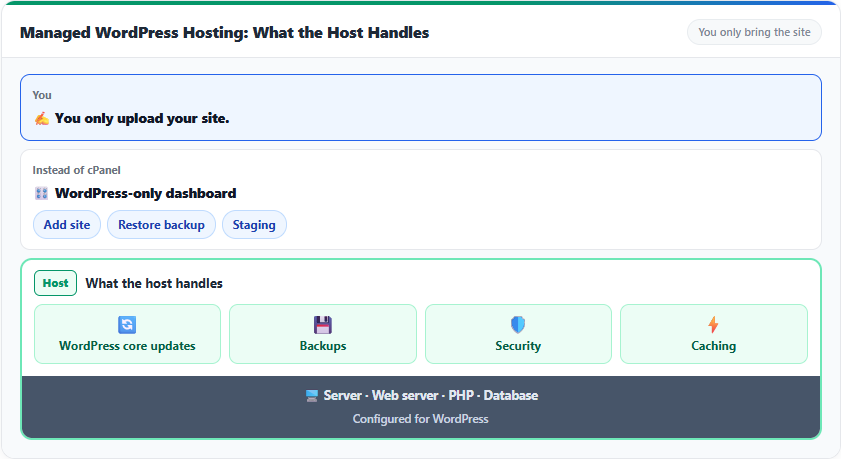
Even with costs lined up, monthly chores remain. All three approaches leave server management to the provider, but WordPress plugin updates, backup restores and checking certificate expiry stay with the operator depending on the approach.
Per the official pages, Hostinger Premium offers free weekly backups, free auto-installed SSL and 24/7 priority support. Kinsta keeps daily automatic backups for 14 days and offers automatic plugin and theme updates as a $3/month add-on. With Cloudways the operator runs plugin updates in Site Manager, and dedicated support is the Advance Support add-on at $100 a month.
| Item | Hostinger Premium (shared) | Cloudways Vultr 1GB (managed cloud) | Kinsta Single 20GB (managed) |
|---|---|---|---|
| Server management | Provider | Provider | Provider |
| Backups | Weekly, free (daily on higher plans) | Daily automatic · kept 1 week | Daily automatic · kept 14 days |
| Plugin updates | Not shown on the pricing page | Operator · Site Manager Pro $3/month | Operator · auto-update add-on $3/month |
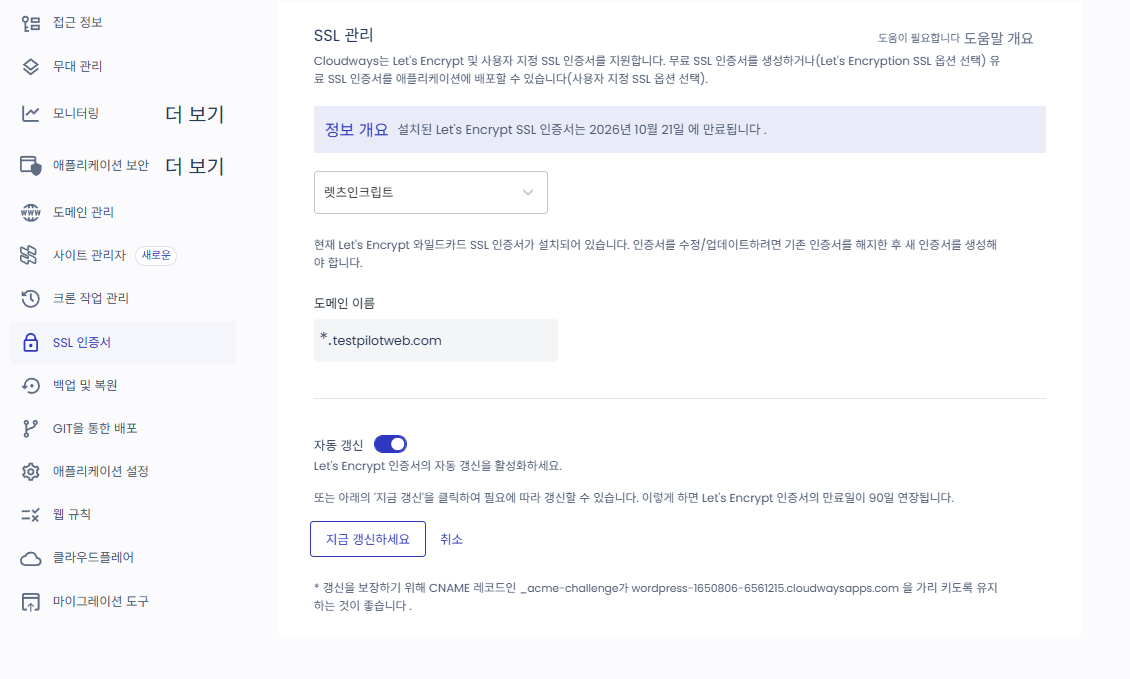
| SSL certificate | Free · auto-installed | Free Let's Encrypt · check expiry every 90 days | Not shown on the pricing page |
| Support | 24/7 priority support | Advance Support add-on $100/month | 24/7 human support · 8 languages |
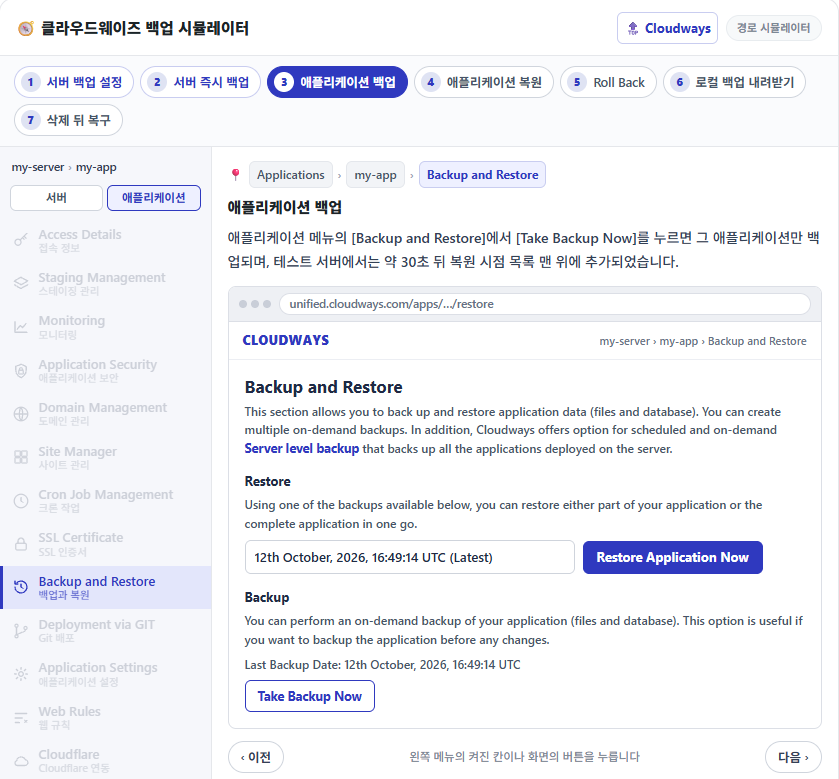
On the test server, a new version of the cache plugin Breeze was left waiting to be updated. A manually run Application backup took about 30 seconds, and a full restore about 1 minute 30 seconds.
4️⃣ Speed measurement: the cache plugin matters more than the server type
A shop website's first-screen speed is decided by the cache plugin before the server type. The basis for saying so is two numbers from timing the time to first byte (TTFB) 20 times each on the same test server with only the cache plugin turned on and off.
Requesting the test application's first screen from another server in the same region as the test server, the median with all cache plugins off was 186.9ms. Activating the cache plugin Breeze with default settings brought it down to 45.4ms.
Comparing the speed of the three approaches under the same conditions wasn't done, as I have no accounts with the other providers. When shared hosting hits its resource limits, the [508 Resource Limit Is Reached] error appears, so if you have days when visitors pour in, check the plan's limit numbers first.
5️⃣ Online store requirements: WooCommerce requirements and payments
Shared hosting's lowest plan fits a shop website, but for hosting an online store with payments and orders you need to check the requirements again first. The WooCommerce documentation, as of version 10.8, requires WordPress 6.9 or later, PHP 8.3 or later, and MySQL 8.0 or MariaDB 10.6 or later. On top of that come HTTPS and a WordPress memory limit of 256MB or more.
Hostinger says e-commerce features are included from the Premium plan up. Kinsta's pricing page shows the plans recommended for e-commerce and membership sites starting from the 2-site plan ($70/month). Managed cloud has no separate store plan; plans are split only by server size.
The test server's PHP was 8.2.34, short of WooCommerce's recommended 8.3, so you'd check the PHP version before putting a store on it. Installing a small store on the test server and testing it through to an order is covered in the next post.
6️⃣ Choosing hosting for a small business website: shop site, booking site, small online store
Choosing hosting for a small business website narrows down to one thing: the type of site. A shop website, a booking site and a small online store need different things.
You can see what each of the three kinds of website actually looks like with free example sites in the starter templates of the WordPress theme Astra.


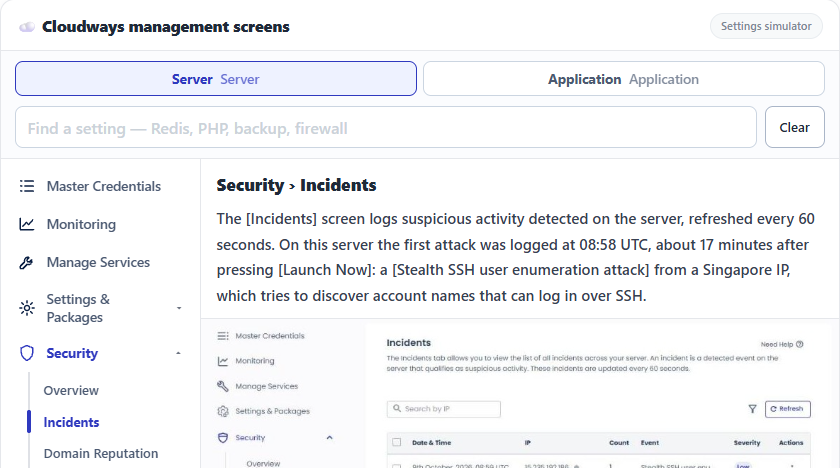
The backup, update and SSL certificate screens to check each month on managed cloud can be clicked through in the Cloudways operations check simulator.

A shop website showing your introduction, location and phone number can start on shared hosting's lowest plan, which is $2.99 a month on a 48-month term with 2 mailboxes included. If you want to pay only for the hours used with no contract and have someone to check plugin updates yourself, managed cloud fits.
A site where visitors enter bookings stores those records in the database, so the backup frequency becomes a requirement. On a plan with weekly backups, up to a week of bookings can be lost when you restore, so you end up choosing a plan or approach with daily backups.
For a small online store with payments and orders, WooCommerce requirements, daily backups and email sending are all requirements. With shared hosting, first check whether the plan includes e-commerce; with managed WordPress, whether it's the plan recommended for e-commerce.
The website running costs I checked on the official pricing pages on the same day were $2.99 a month for shared hosting (renewing at $10.99), $14 a month plus tax for managed cloud, and $35 a month for managed WordPress. The managed-cloud test server is set to be billed $4.76 for 184 hours, and its first-screen response was 45.4ms after turning on the cache plugin. For the first- and second-year budget including the domain, theme and plugins, see the WordPress cost post, which works it out by setup. Once you've settled on the site type, the next step is to compare the scores and prices of 7 hosts on the same basis in the WordPress hosting comparison and pick the host that fits the site you'll run.
🔢 FAQ & Recommended Content










ℹ️ Affiliate Disclosure
This site's content contains affiliate links. When a visitor buys a product or service through one of them, the site receives a commission from the seller. The amount the buyer pays(it goes down during event discounts ↓)does not go up. Posted prices, discounts, and stock reflect the time of writing and may differ, so confirm with the seller before buying. Products are chosen and reviewed by our own standards, and commissions do not affect the order or content of reviews.