
WordPress: Concepts and Features | Why Use WordPress?
WordPress is a free, open-source content management system (CMS). It was originally developed for publishing blogs, but over time it has grown into a platform that supports internet forums and many types of websites.
Its theme and plugin system—the foundation of WordPress—makes it possible to build almost any kind of website, including media galleries, membership sites, learning management systems (LMS) and online stores built with WooCommerce and more.
The reason to use a content management system (CMS) is that even non-developers can easily build a website and manage its content. You can extend its features with a wide range of plugins and themes, and handle collaboration, maintenance and even SEO efficiently.
Among them, WordPress has become the most widely used CMS, thanks to its user-friendly interface, vast ecosystem of themes and plugins, and worldwide community that supports it. You can build a website quickly without technical knowledge and extend it to developer level when needed, so it is widely used by everyone from individual bloggers to businesses.
Ⅰ. Global Website and CMS Market Share
According to w3techs.com statistics (as of October 11, 2026), WordPress is used on 40.1% of all websites and has a 58.6% CMS market share. These are down 3.3 and 2.5 percentage points from the 43.4% and 61.1% in the 2025 data.
| CMS name | Share of all websites | CMS market share |
|---|---|---|
| No CMS | 31.6% | — |
| WordPress | 40.1% | 58.6% |
| Shopify | 5.4% | 7.8% |
| Wix | 4.2% | 6.1% |
| Squarespace | 2.4% | 3.6% |
| Joomla | 1.1% | 1.6% |
| Tilda | 0.8% | 1.2% |
| Webflow | 0.8% | 1.2% |
| Duda | 0.7% | 1.1% |
| Other CMS | 12.9% | 18.8% |
According to w3techs.com statistics, WordPress is used on 43.4% of all websites. WordPress's CMS market share is 61.1%.
|
CMS name |
Share of all websites |
CMS market share |
|---|---|---|
|
No CMS |
28.9% |
— |
|
WordPress |
43.4% |
61.1% |
|
Shopify |
4.8% |
6.7% |
|
Wix |
3.9% |
5.4% |
|
Squarespace |
2.4% |
3.3% |
|
Joomla |
1.4% |
2.0% |
|
Webflow |
0.8% |
1.2% |
|
Drupal |
0.8% |
1.2% |
|
Adobe Systems |
0.8% |
1.1% |
|
Other CMS |
12.8% |
17.0% |
✅ 2026 Website and CMS Market Share Chart
Ⅱ. WordPress Features
WordPress builds a site by adding themes and plugins on top of the core: the core handles basic functions, themes handle design, and plugins handle additional features.
1️⃣ WordPress Core
The WordPress core means the entire program responsible for the essential functions and basic structure of the WordPress system.
Besides basic content management such as writing, editing and saving posts, the core includes user management, permission settings and interaction with the database.
It also provides the foundation on which themes and plugins run smoothly, and contains all the basic framework and core logic that keep WordPress running reliably, such as security, updates and API functions.
| File name | Role and description |
|---|---|
| functions.php | A collection of basic functions called throughout WordPress (Main WordPress API). It handles date conversion, upload folder paths, error screen output and more.mysql2date() · wp_upload_dir() · wp_die()It is a different file from functions.php in the theme folder. |
| formatting.php | The Formatting API that formats text for output. It handles automatic paragraph breaks, URL-to-link conversion, text truncation and escaping.wpautop() · make_clickable() · wp_trim_words() · esc_html() |
| pluggable.php | A collection of functions that plugins can redefine with the same name to replace them. It includes functions for sending mail, login cookies, password hashing and redirects.wp_mail() · wp_set_auth_cookie() · wp_hash_password() · wp_redirect() |
| plugin.php | The Plugin API that registers and runs action hooks and filter hooks. Plugin activation hooks are also registered with a function in this file.add_action() · add_filter() · do_action() · apply_filters() · register_activation_hook() |
| post.php | The Core Post API that handles posts and post types. It is used to create new posts, retrieve posts, manage metadata and register custom post types.wp_insert_post() · get_post() · update_post_meta() · register_post_type() |
| category.php | The category part of the Taxonomy API. It retrieves categories by ID or slug and returns category lists.get_categories() · get_category() · get_category_by_slug() |
2️⃣ WordPress Themes
A WordPress theme is a set of files and templates that determines a website's design and layout. With a theme, users can change the look of their site quickly and easily and apply various styles and features.
A theme consists of basic HTML, CSS and PHP code and plays an important role in improving the user experience and effectively expressing the site's brand image.
The criteria for choosing a WordPress theme are speed, the purpose of the website you want to build, and design and user experience. Fast loading matters because it reduces visitor bounce and also has a positive effect on SEO.
Choosing a theme that provides the features and layout suited to the website's purpose enables efficient operation, and an intuitive, clean design helps raise visitor satisfaction and strengthen the brand image.
3️⃣ Plugins
A plugin is an independent module that adds or extends features on a WordPress site. With plugins you can easily implement custom features that core WordPress does not provide, and install plugins for many purposes such as strengthening security, SEO optimization, improving site speed and social media integration.
An e-commerce site can be built easily with the WooCommerce plugin.
A community site can be built with the BuddyPress and bbPress plugins. BuddyPress provides social network features such as member profiles, groups, activity feeds and messaging, while bbPress makes it easy to add forums, which suits active communication between users and running a community.
You can also build an education site. In WordPress, learning management system (LMS) plugins such as LearnDash, LifterLMS and Tutor LMS let you easily implement many online education features, including course enrollment, student management, quizzes, assignment submission and certificates.
Beyond these, WordPress can build websites for many purposes with plugins alone, such as portfolio sites, news and media sites, membership sites, booking systems and multilingual sites. A major advantage is that you can freely extend features with a wide range of plugins and themes, so almost any type of website can be built on one platform.
4️⃣ Posts and Pages
WordPress revolves around two content types: posts and pages. Posts are mainly used for blog-style content sorted by date and can be organized by topic with categories and tags. Pages suit fixed information such as about, contact and terms pages.
![WordPress[WordPress, laptop and potted plant]](https://uknew.co/storage/2025/06/%EC%9B%8C%EB%93%9C%ED%94%84%EB%A0%88%EC%8A%A4_%EB%85%B8%ED%8A%B8%EB%B6%81_%ED%99%94%EB%B6%84.jpg)
Ⅲ. WordPress Content Map
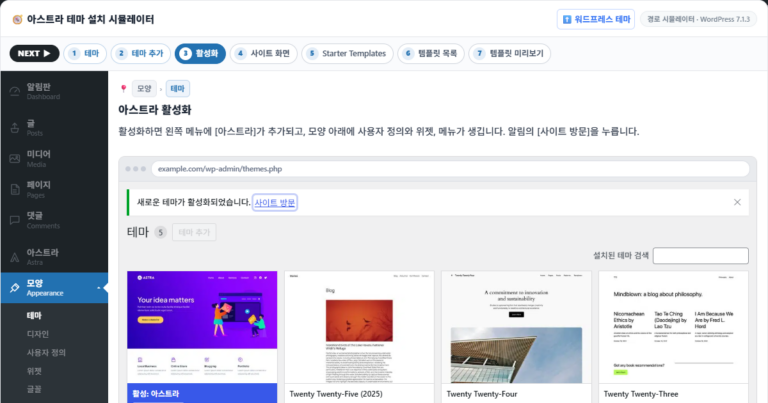
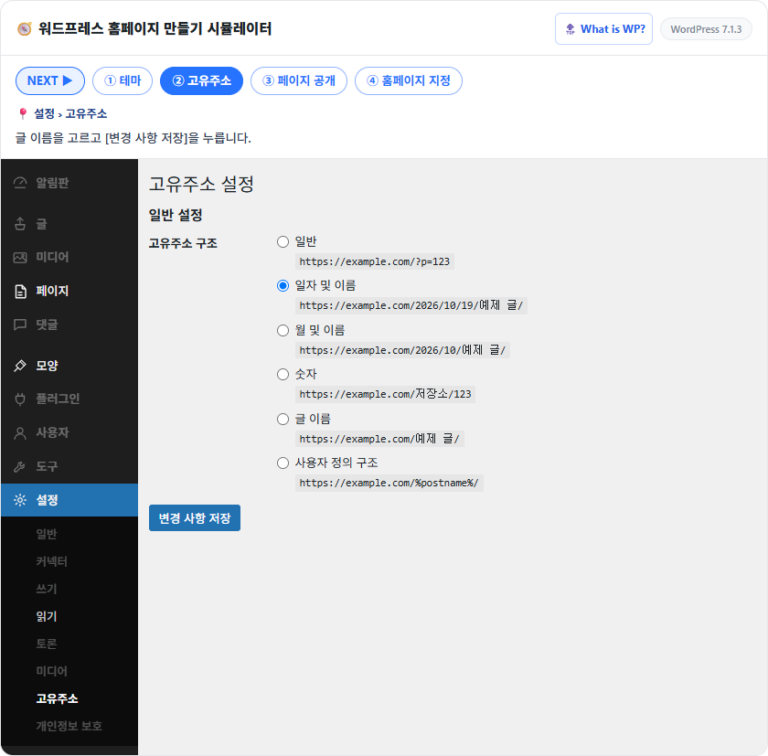
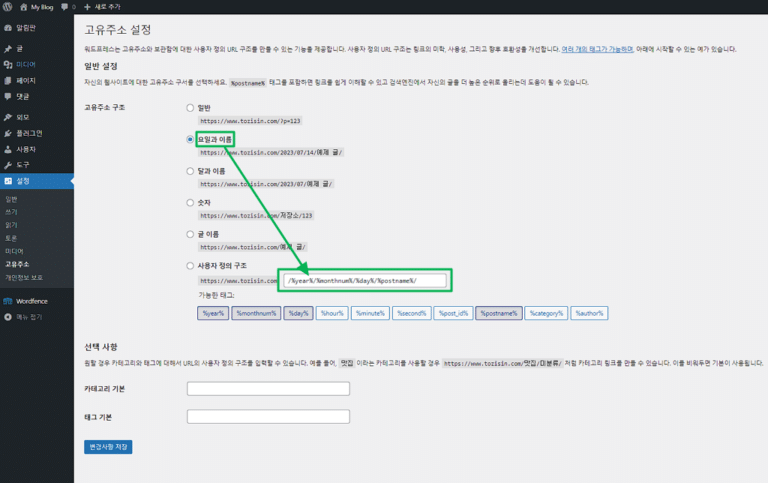
The WordPress content map sorts posts into five folders, from [Domain Registration and Management] to [Maintenance], following the order in which a site is built and run.
Clicking a folder shows its post cards, and clicking a post marked ▸ expands its sub-posts. In the search box you can search posts by title and description.













ℹ️ Affiliate Disclosure
This site's content contains affiliate links. When a visitor buys a product or service through one of them, the site receives a commission from the seller. The amount the buyer pays(it goes down during event discounts ↓)does not go up. Posted prices, discounts, and stock reflect the time of writing and may differ, so confirm with the seller before buying. Products are chosen and reviewed by our own standards, and commissions do not affect the order or content of reviews.